
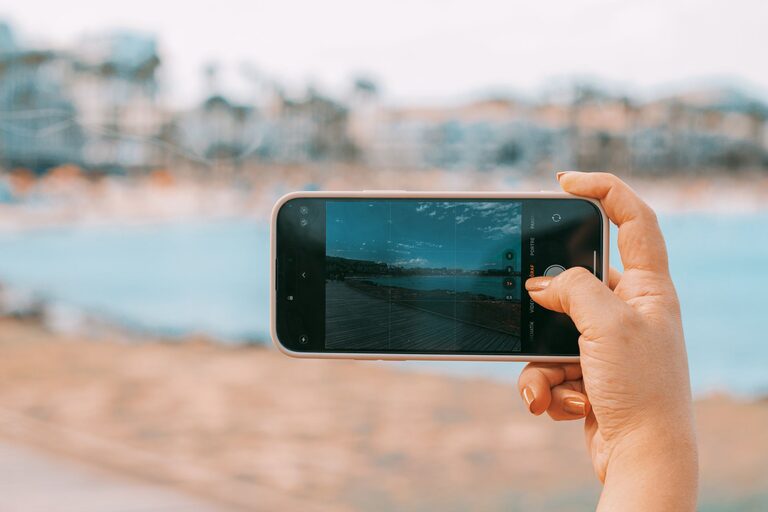
Taking great photos with your phone is easier than you think. With the right techniques and a little practice, you can transform everyday moments into beautiful images. Whether you’re new to photography or just want to enhance your skills, these beginner tips will help you take better phone photos.
Understand Your Phone Camera
Before diving into shooting, spend some time exploring your phone’s camera features. Most smartphones come with a variety of modes like portrait, panorama, and night mode. Knowing what your camera can do helps you choose the best settings for each scene.
– Open your camera app and test different modes.
– Learn how to adjust focus and exposure by tapping on the screen.
– Explore any manual settings if available, such as ISO or shutter speed.
Keep Your Lens Clean
A simple but often overlooked step is ensuring your lens is clean. Dust, fingerprints, or smudges on the lens can make photos look blurry or hazy.
– Use a microfiber cloth or a clean, soft cloth to wipe the lens gently.
– Avoid using rough materials or your shirt sleeve which can scratch the lens.
Focus on Composition
Good composition makes your photos more engaging. Here are some basic rules to get started:
Rule of Thirds
Imagine dividing your frame into a grid of nine equal parts (three columns and three rows). Position your subject along these lines or at their intersections to create balanced, interesting photos.
– Most phones offer a grid option in camera settings to help with this.
– Practice placing your subject off-center rather than always in the middle.
Leading Lines
Use natural lines such as roads, fences, or rivers to guide the viewer’s eye toward the subject.
Framing
Look for ways to frame your subject using elements like windows, trees, or doorways to add depth and focus.
Use Natural Light Whenever Possible
Lighting is one of the most important aspects of photography. Natural light often produces the best results.
– Shoot during the golden hours—shortly after sunrise or before sunset—for soft, warm light.
– Avoid harsh midday sunlight which can create strong shadows and highlights.
– Position your subject facing a light source for even illumination.
– When indoors, try to shoot near windows with daylight coming in.
Avoid Using Digital Zoom
Digital zoom reduces image quality by cropping and enlarging the photo. Instead of zooming in, try to:
– Move closer to your subject physically.
– Crop the photo later during editing if needed.
Hold Your Phone Steady
Blurry photos often result from shaky hands. Here’s how to keep your phone steady:
– Hold your phone with both hands.
– Tuck your elbows close to your body for support.
– Lean against a stable surface if possible.
– Use a smartphone tripod or stand for extra stability.
Experiment with Angles and Perspectives
Don’t just shoot from eye level. Trying different angles can make your photos more creative and dynamic.
– Get low or shoot from above.
– Capture reflections in water or mirrors.
– Shoot through objects like leaves or glass for an artistic effect.
Edit Your Photos Thoughtfully
Editing can enhance your images, but it’s best to keep adjustments natural.
– Use built-in editing tools or free apps to adjust brightness, contrast, and saturation.
– Crop and straighten photos to improve composition.
– Avoid overusing filters that can make photos look artificial.
Practice Regularly and Have Fun
The best way to improve is by practicing often. Take photos of different subjects—people, landscapes, food, pets—and challenge yourself to try new techniques. Most importantly, enjoy the process of capturing moments and expressing your creativity.
—
By following these beginner-friendly tips, you’ll see noticeable improvements in your phone photography. Remember, the best camera is the one you have with you, and with a bit of practice, your phone can capture amazing photos you’ll be proud to share.
About the Author